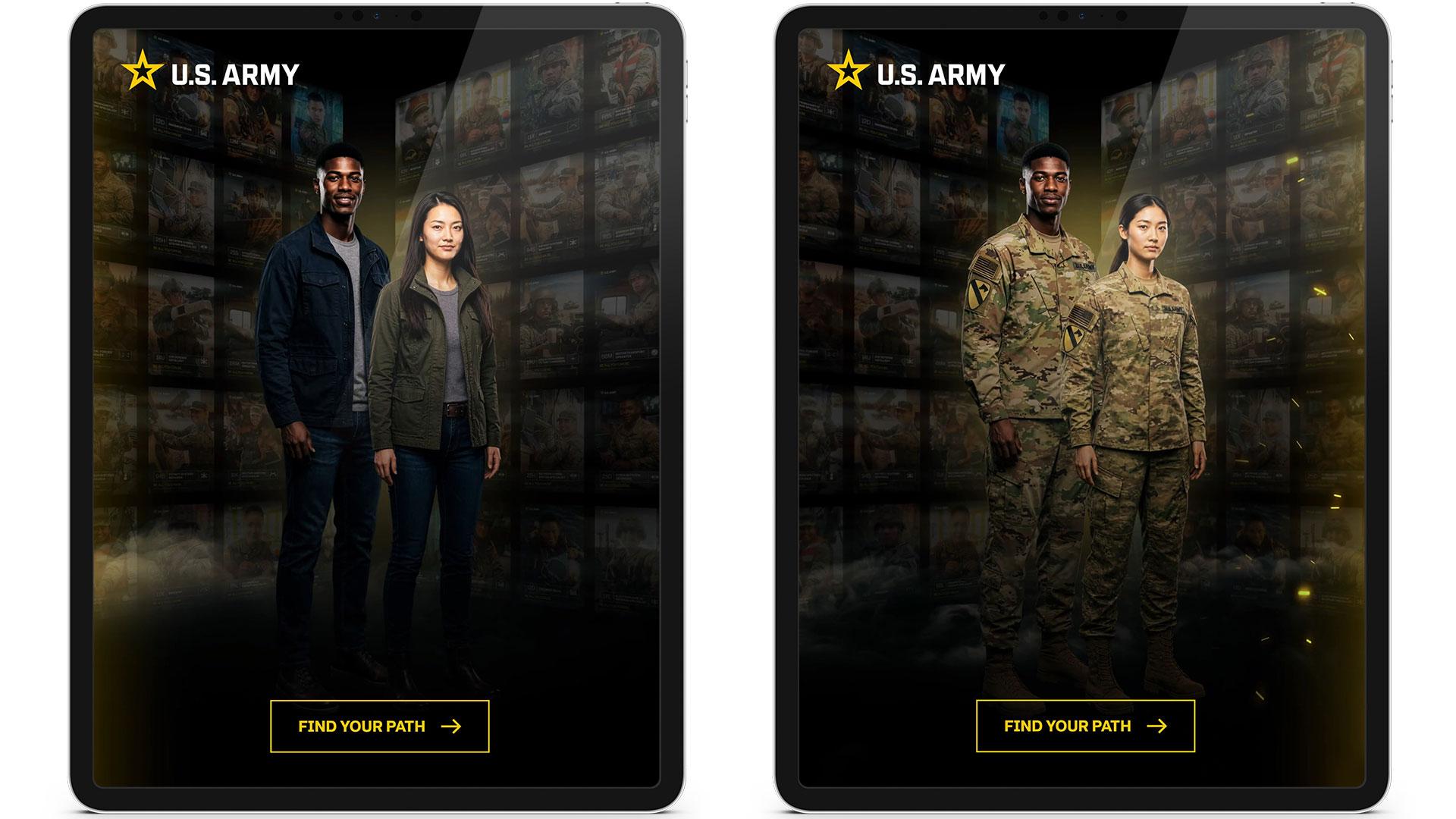
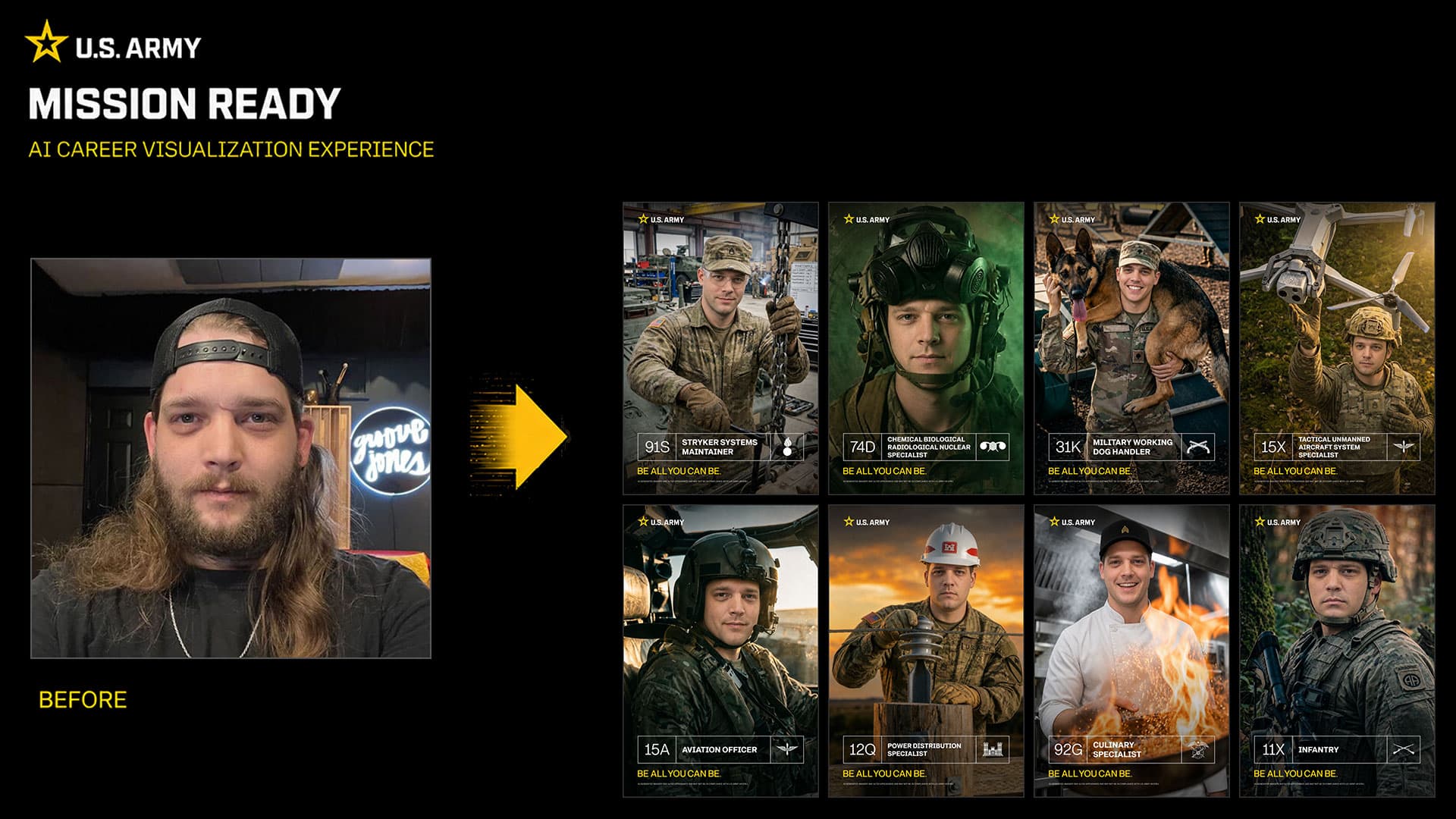
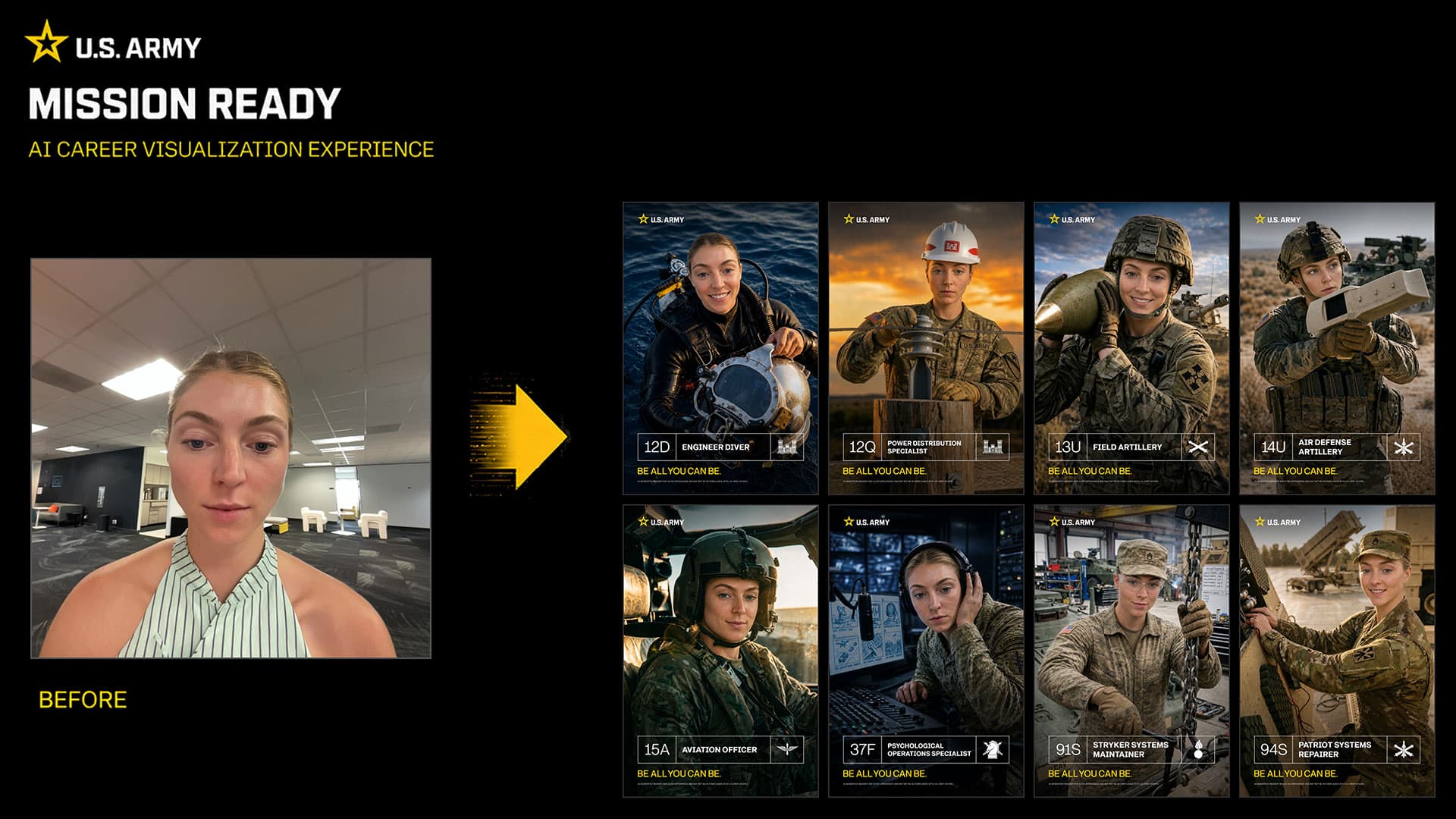
A personalized portrait experience that helps visitors imagine an Army career. I worked as Executive Creative Director and Gen AI Specialist with the team at Groove Jones.
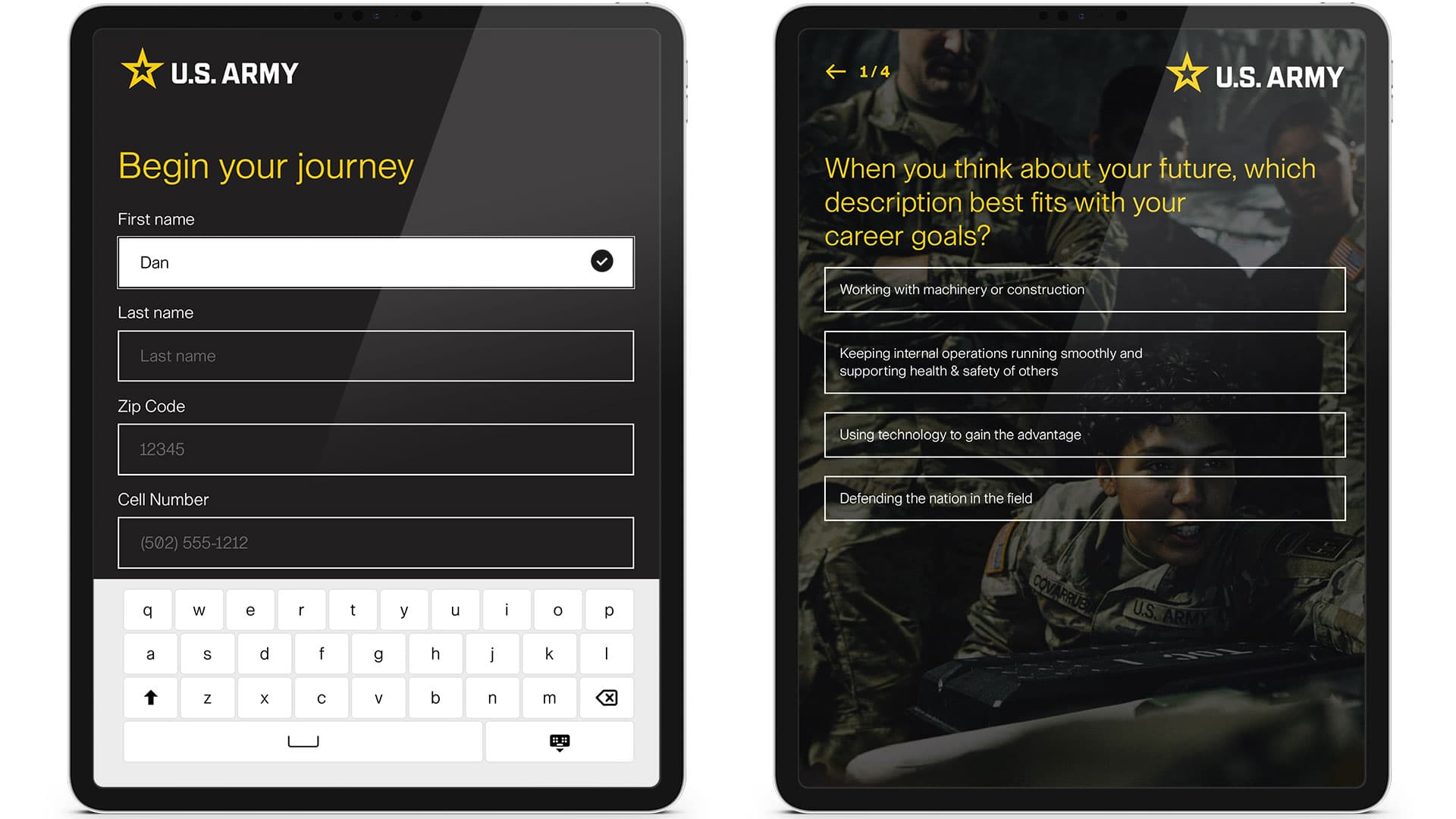
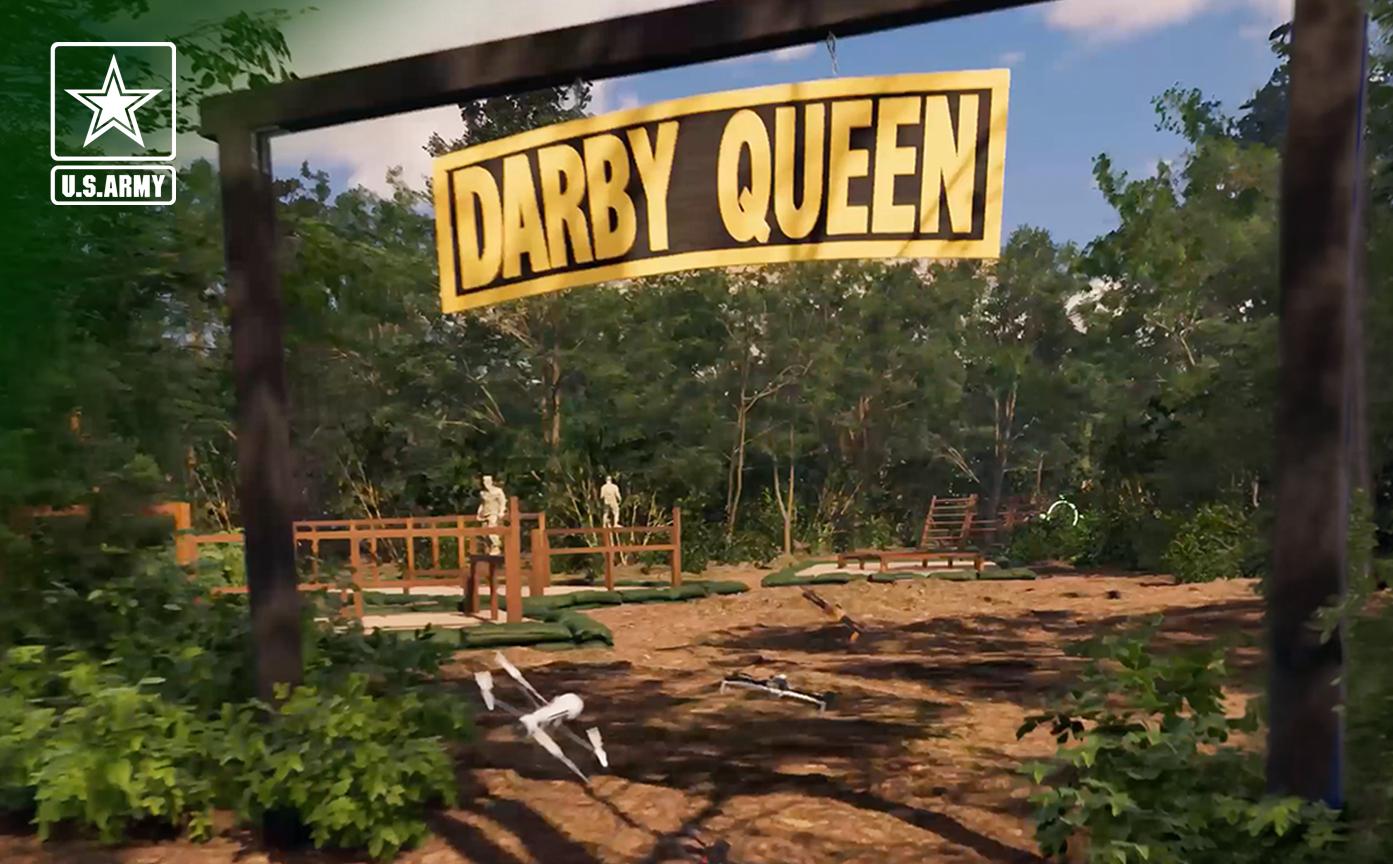
I worked as Executive Creative Director and Gen AI Specialist on Mission Ready, an experience that lets visitors picture themselves in a U.S. Army career. At Groove Jones, we worked with TMA and Team TBWA to connect a short interest quiz, a guided portrait, and a personalized image guests could take with them.
Mission Ready — Sizzle Reel
Keeping the person in the picture
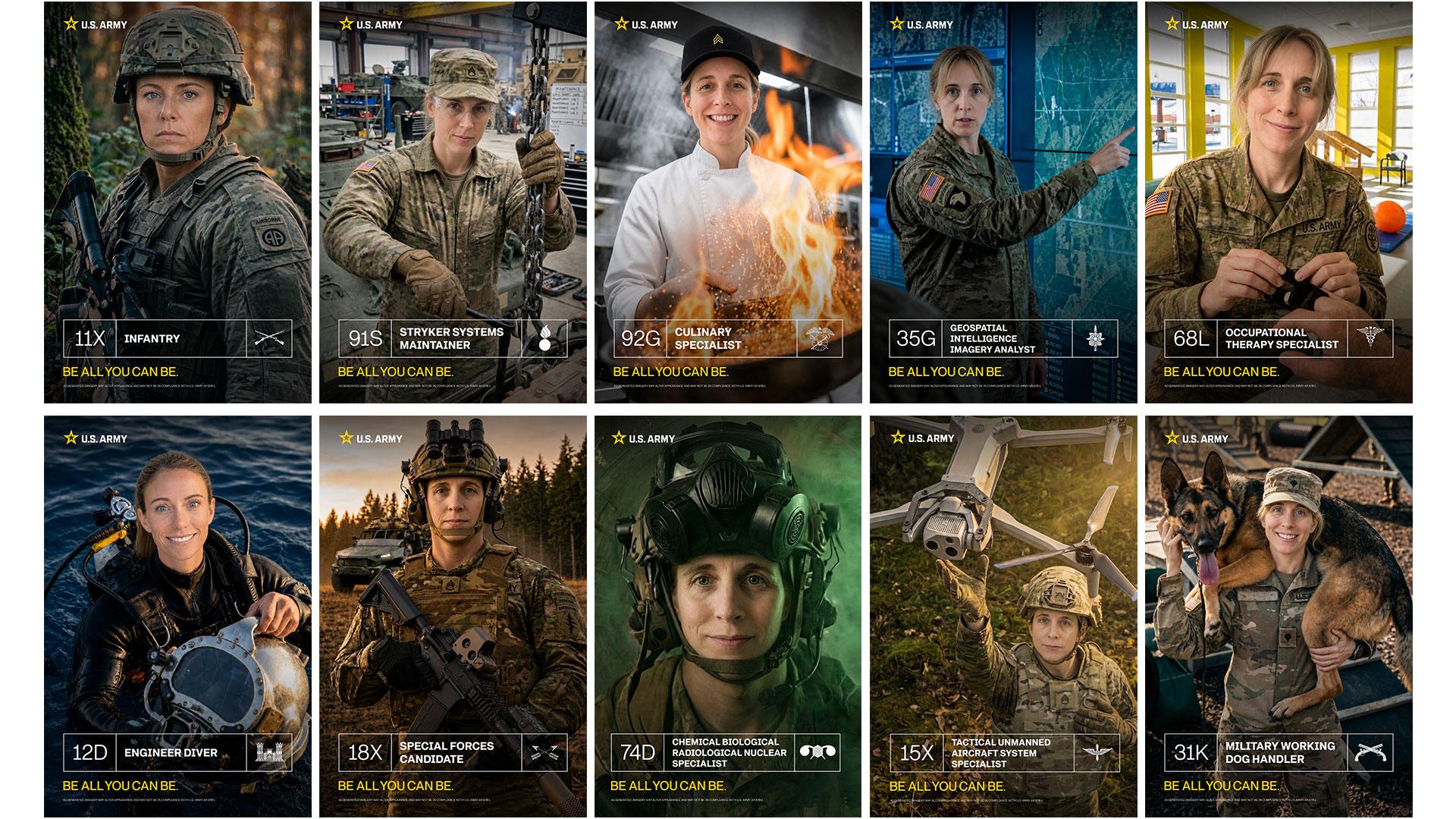
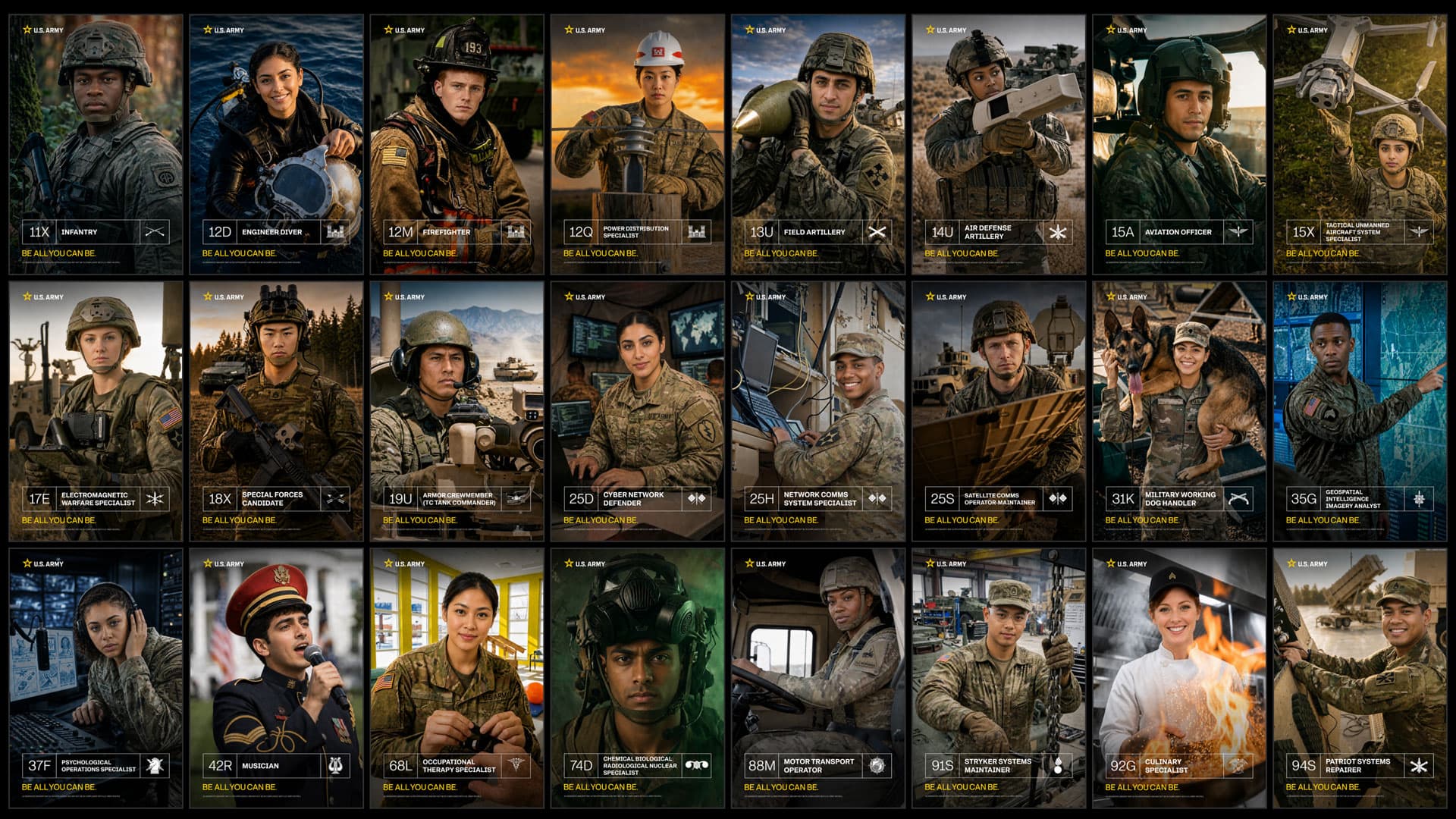
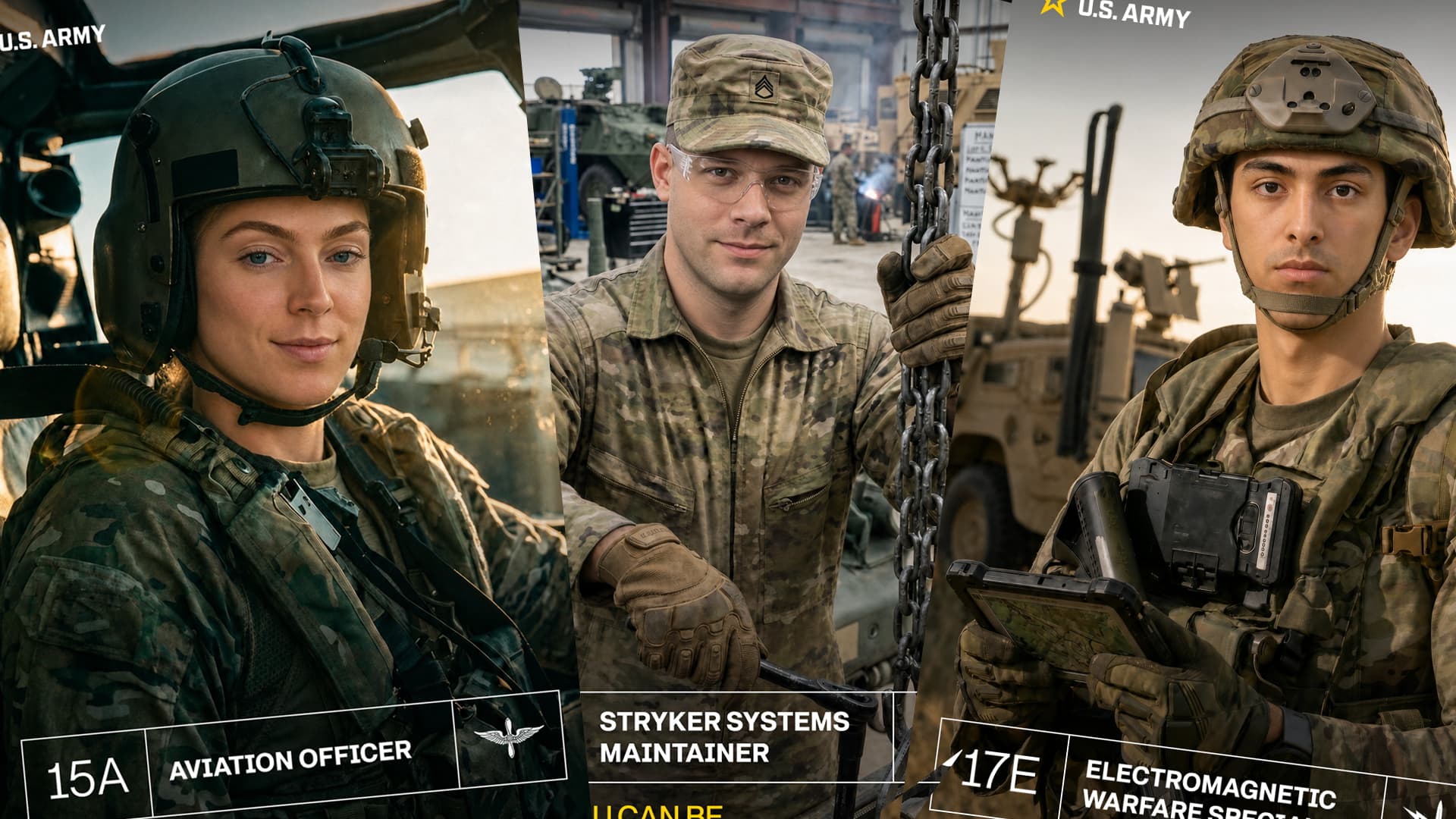
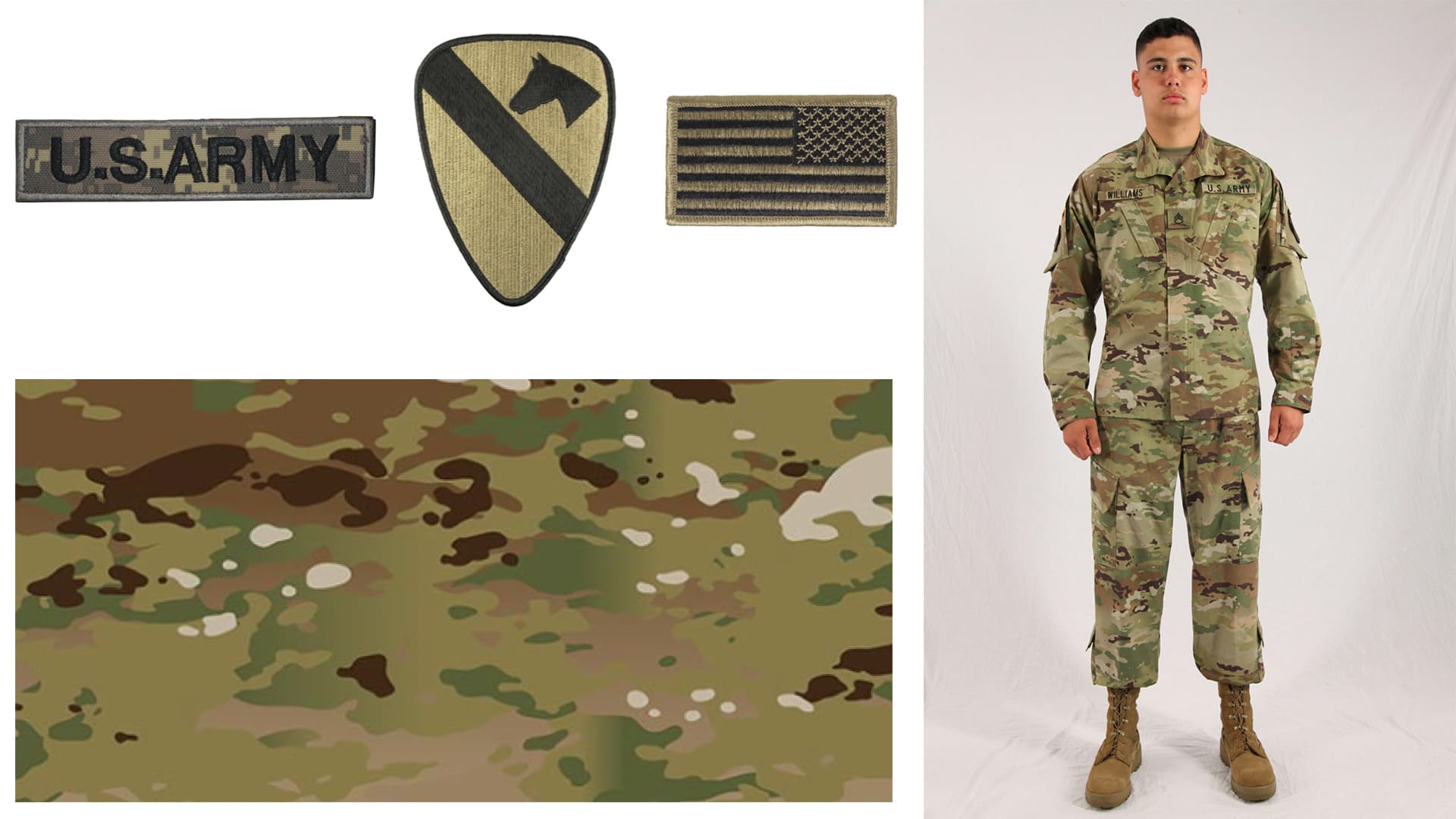
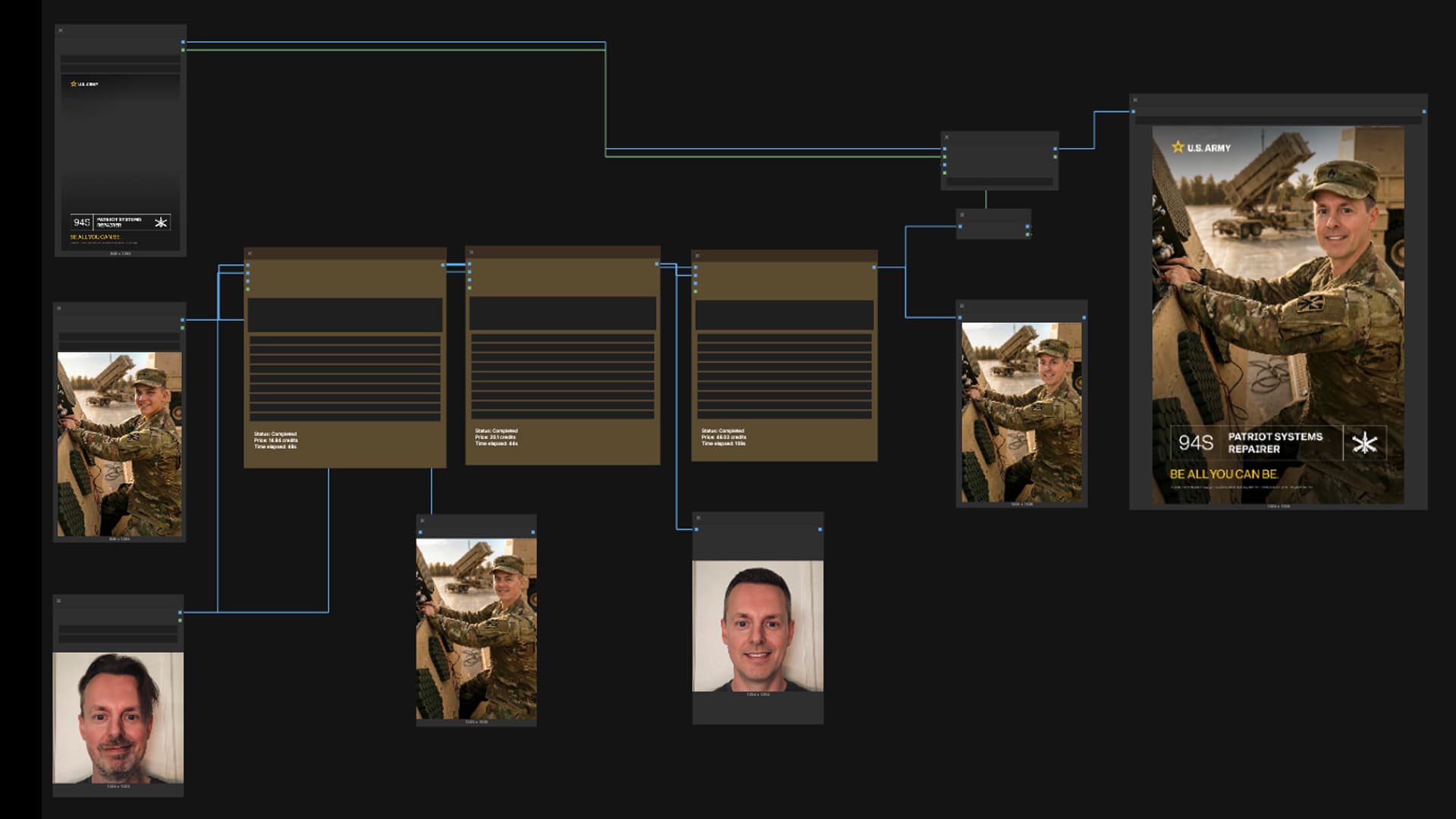
Guests could explore up to 24 career specialties and choose one for their portrait. The image needed to feel like them, while getting uniforms, equipment, and settings right. Our ComfyUI workflow handled portrait preparation and generation in stages; fixed graphic overlays kept typography and branding consistent. Doug Hogan worked on creative technology alongside the design and development team.
Built for a busy event
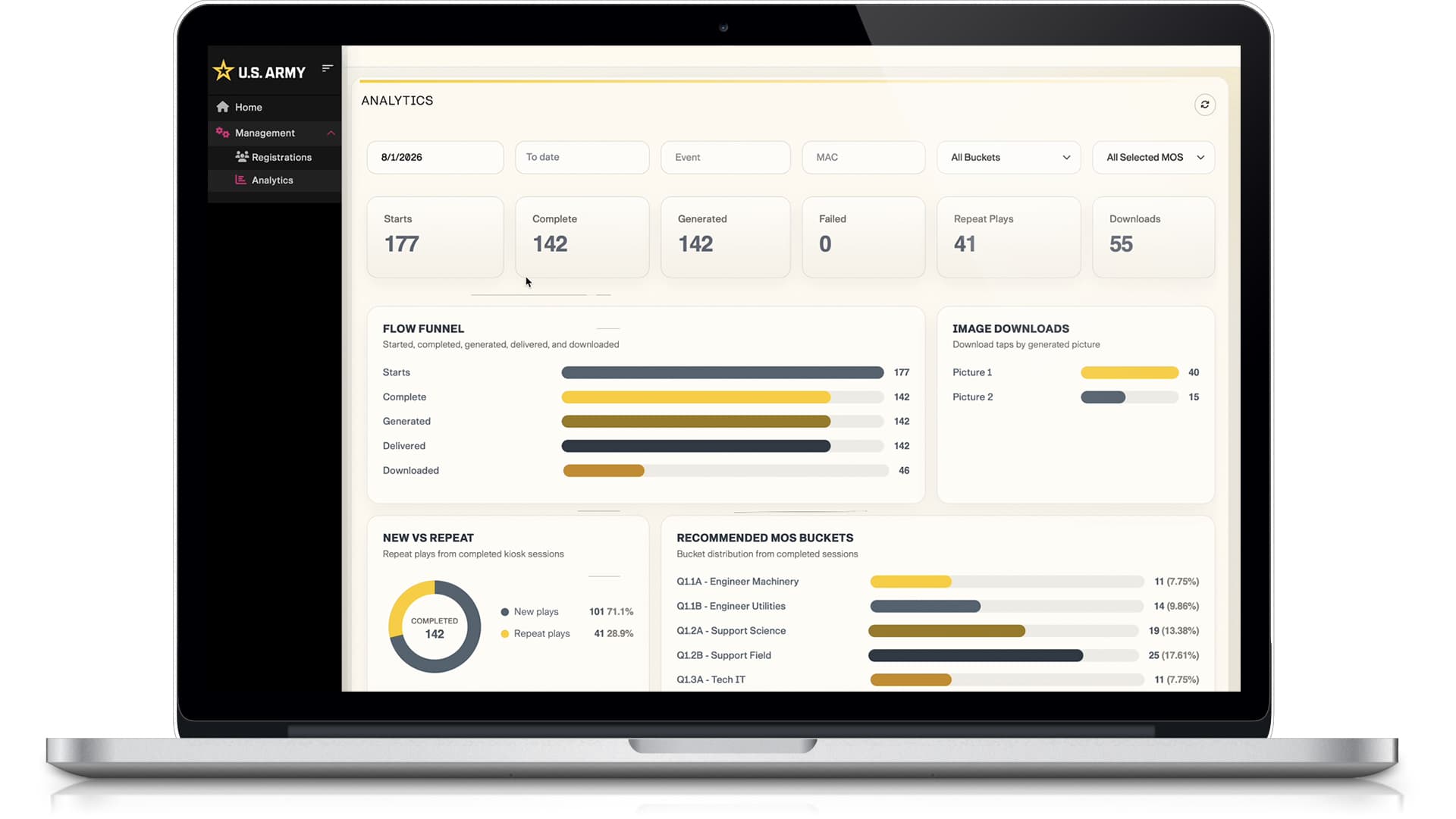
At PBR Stampede Days in Nashville, four iPad Pro kiosks guided guests through the experience. A text or email link delivered the finished portrait, freeing the kiosk for the next person. A dashboard helped the team follow completion and career interest.
UI/UX design study
Choosing a role before making a portrait
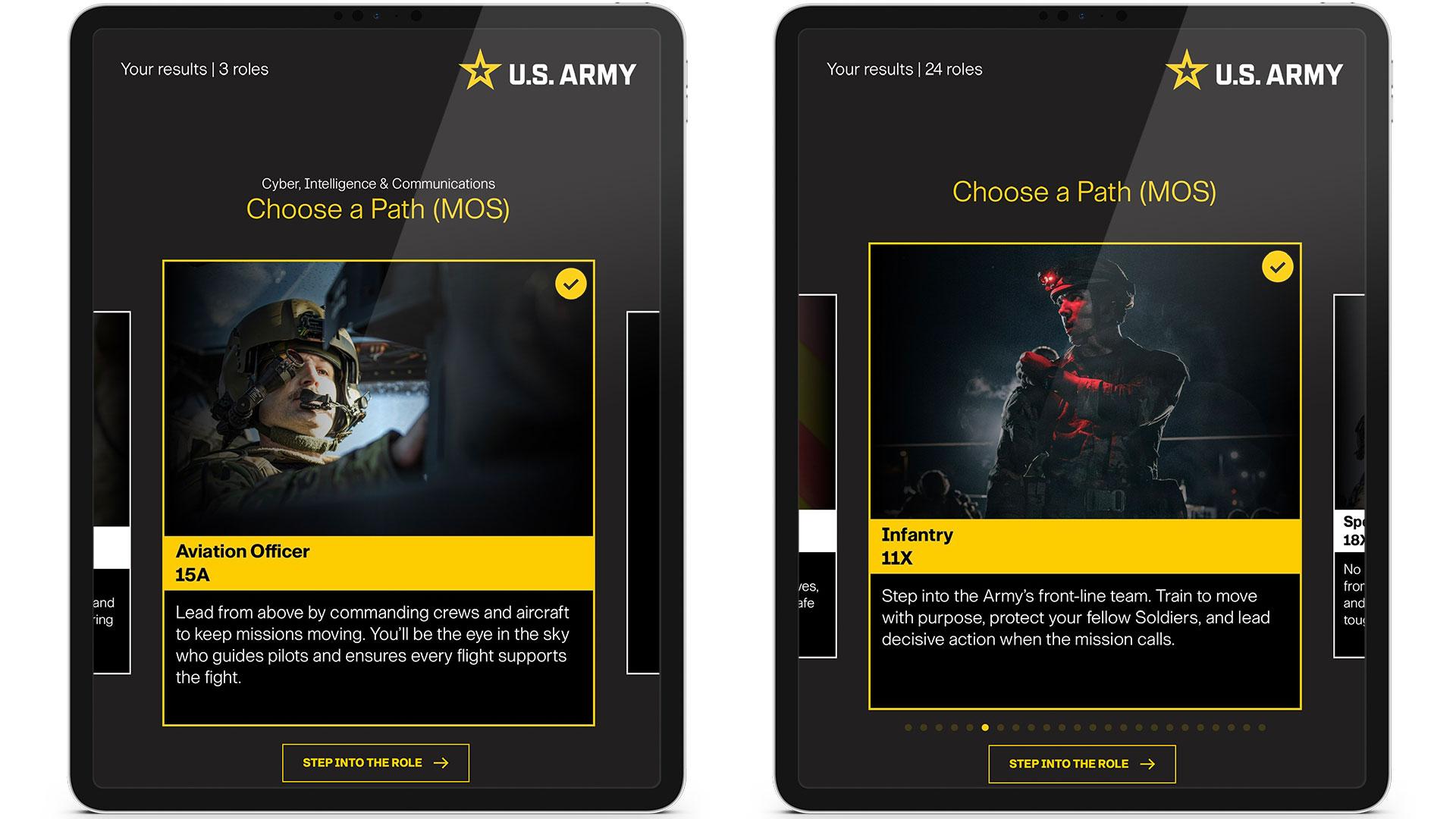
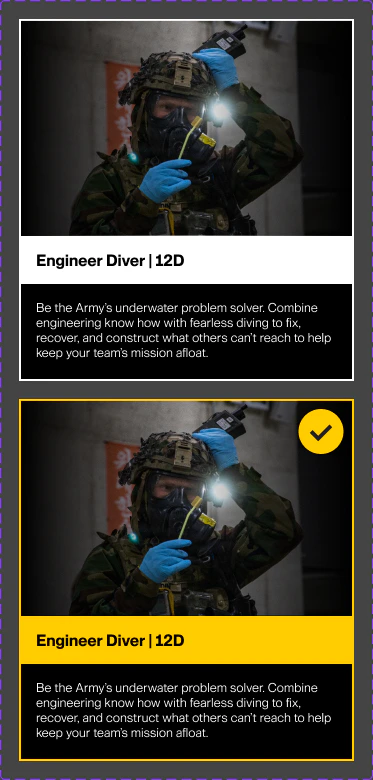
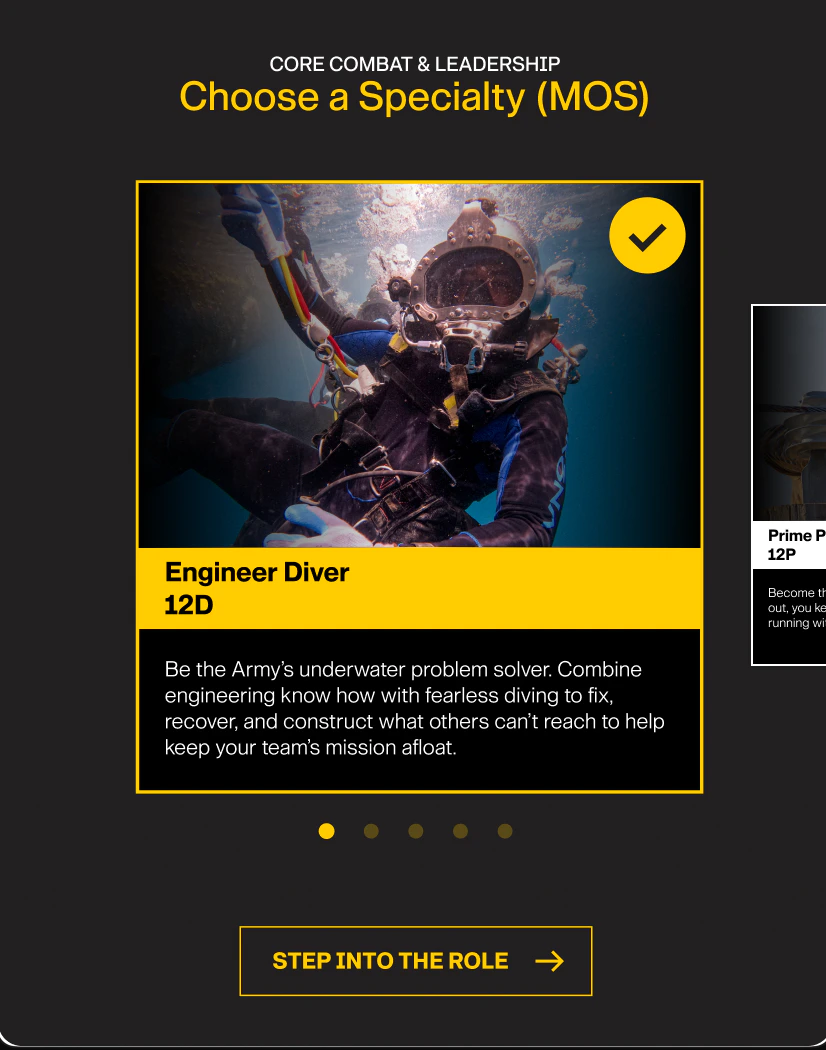
We wanted the portrait to start with a choice the guest could understand. The tablet design gives each specialty a photo, a short description, and a clear selected state. That gives guests a chance to read about a role before they pick it for their portrait.
My role: Executive Creative Director and Gen AI Specialist. UX and UI: Stephen Busfield. Creative technology: Doug Hogan. Development: Naeem Al Noman.
Make it clear when a role is chosen
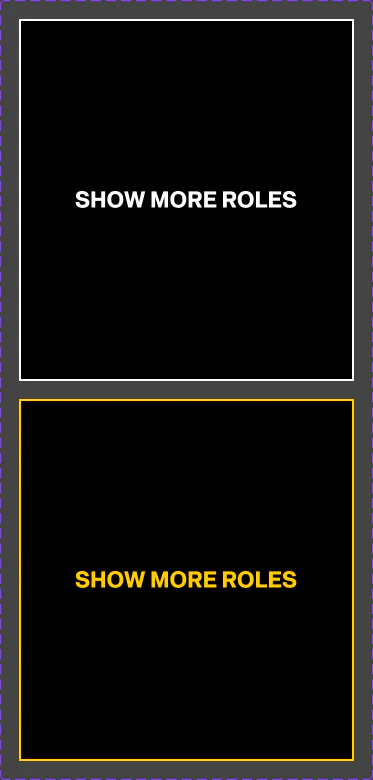
The component studies show how the role picker distinguishes a chosen specialty from an action that keeps the guest browsing.
Give the selected role a steady cue
The Engineer Diver card changes its border and adds a check mark without moving the title, image, or description.
Keep browsing available
Show More Roles has its own tile and focus state. The tablet close-up below shows how a chosen role appears in the carousel alongside the separate action to step into it.